
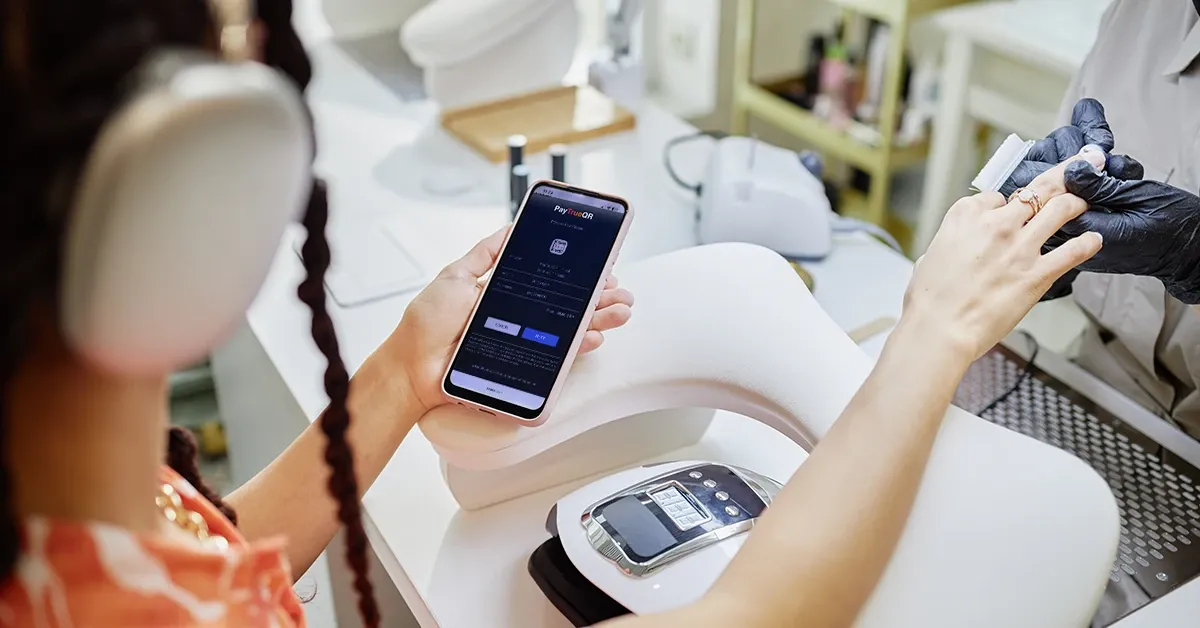
You can now issue refunds directly from PayTrueQR.
What’s new
PayTrueQR made it easy to take a payment by QR code and get paid straight into your bank account. But when you needed to give money back, you had to leave the app and sort out a bank transfer yourself.
Not any more. You can now refund any completed payment, in full or in part, right from the PayTrueQR app.
When you might use it
- A customer changes their mind
- You’ve charged the wrong amount
- You want to offer a goodwill gesture
How it works
- Open the payment in your transaction history and tap Initiate Refund.
- Choose the full amount or enter a partial amount, then press Continue.
- In most cases, you will be asked to complete the payment in your mobile banking app. If your customer’s bank account wasn’t captured during the original payment, we’ll ask you to fill in their bank details and, optionally, an email address for the refund confirmation.
Built from your feedback
Refunds came straight from conversations with the businesses using PayTrueQR, and it was one of the most requested features. We’re building PayTrueQR to be a proper point of sale for small businesses, and that means building what you tell us you need.
What should we build next?
We’d love to hear from you. If there’s something that would make PayTrueQR work better for your business, get in touch at [email protected].